
Live Demo
Try the booking form yourself
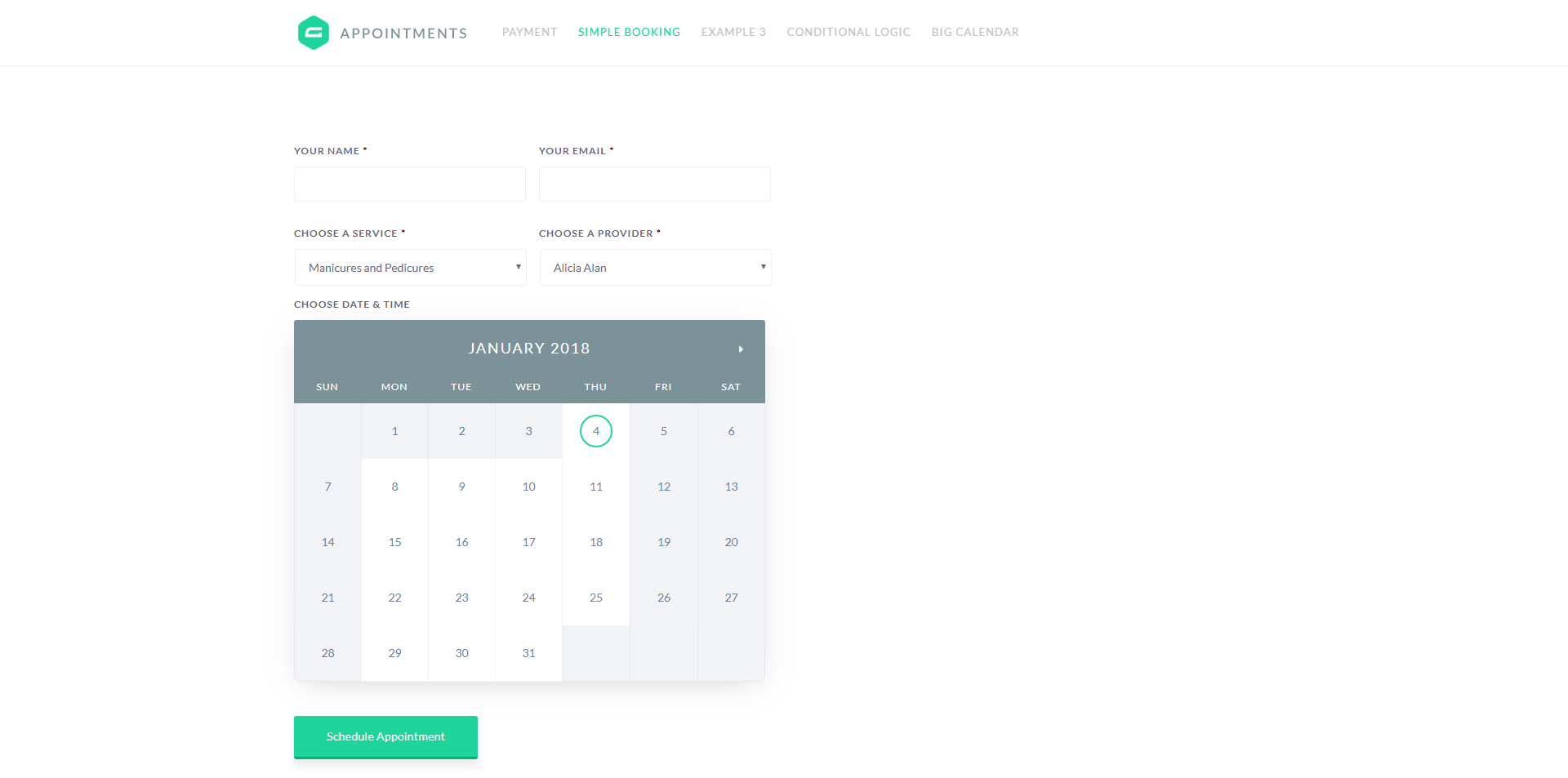
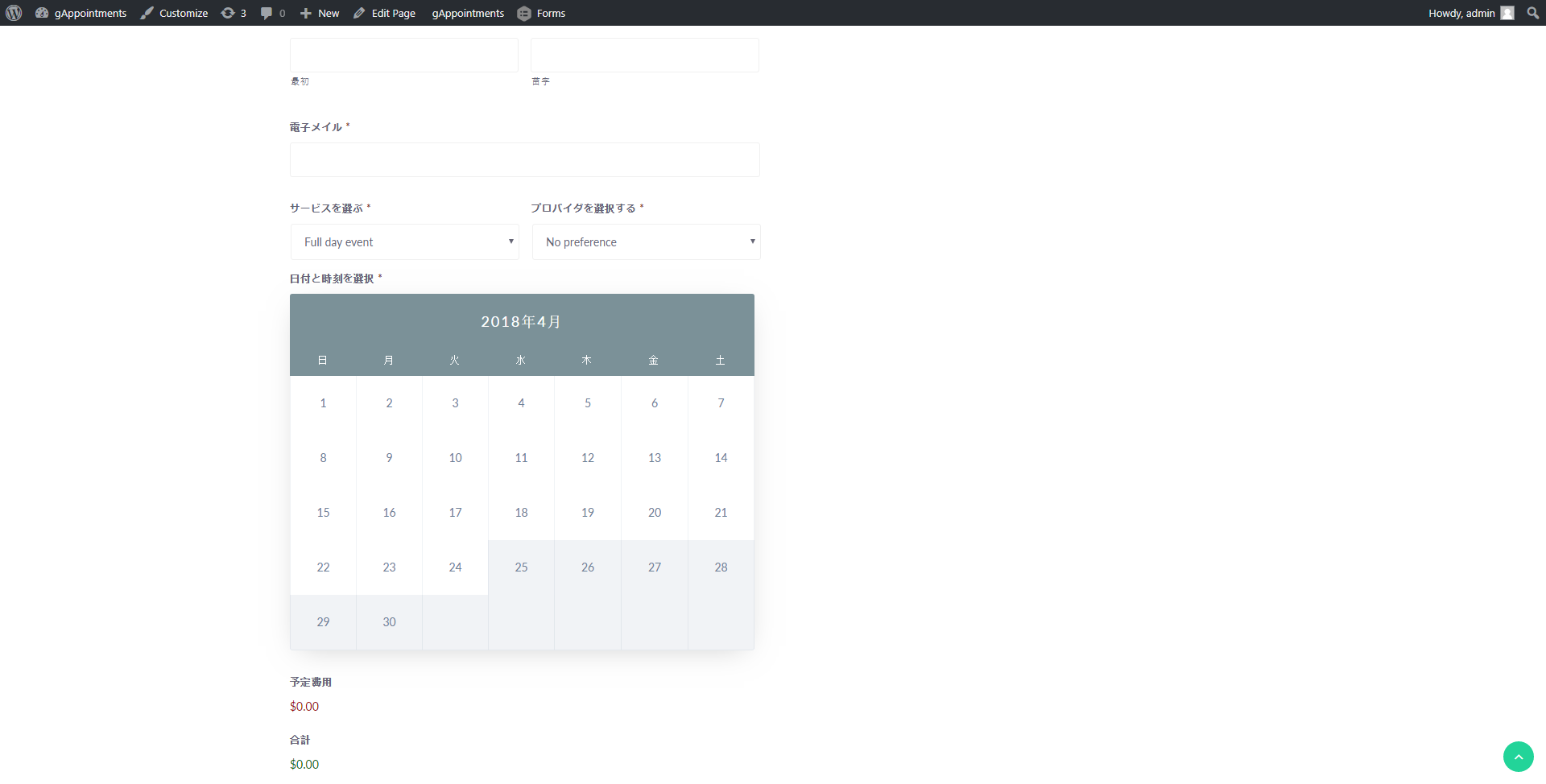
This is a real, working gAppointments form — not a screenshot. Pick a service, choose a provider, and select a live time slot. It is a sandbox, so book as many test appointments as you like; nothing is charged.
Live Demo
See gAppointments in action
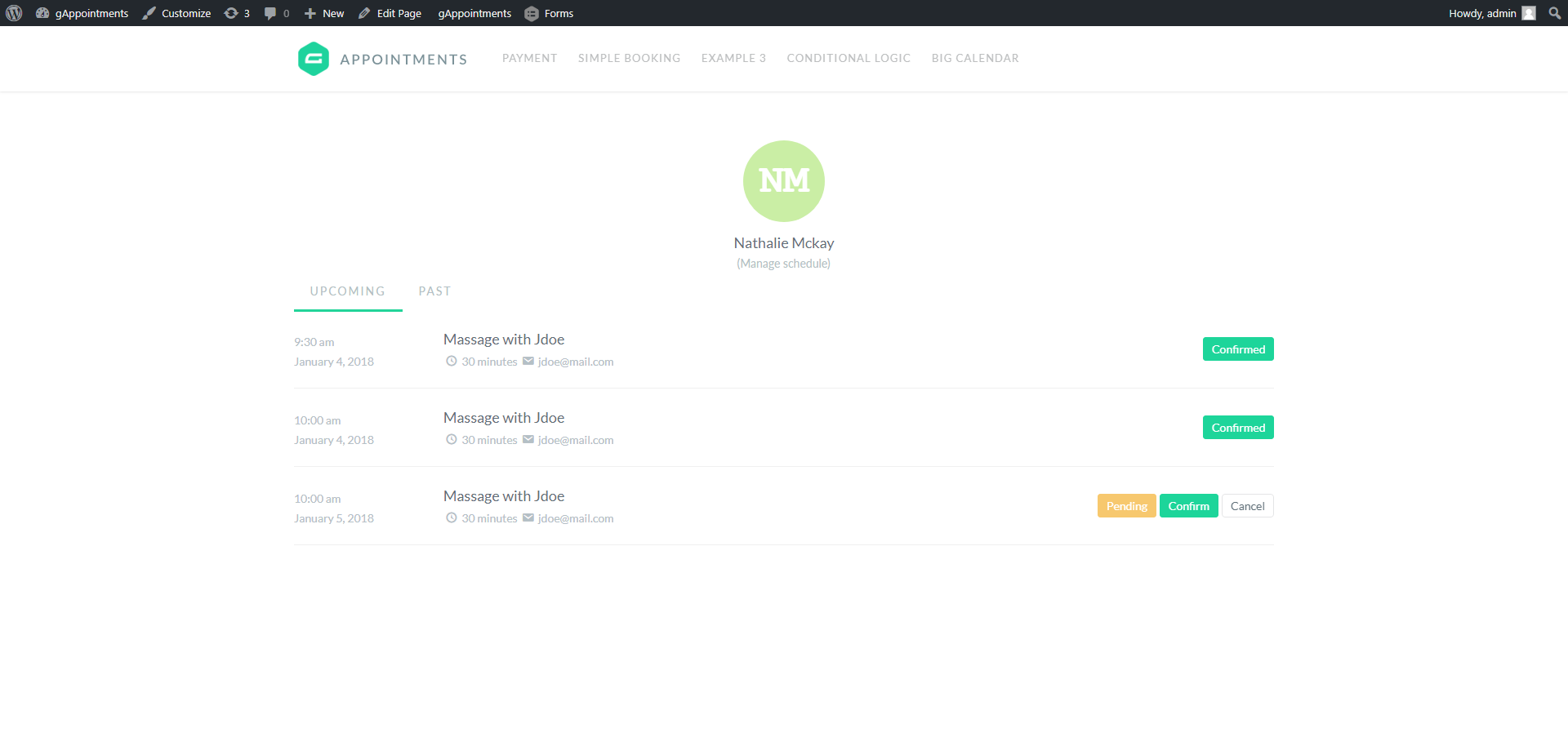
A real front-end booking form, a live availability calendar and a provider dashboard — powered entirely by Gravity Forms. Here is exactly what your customers and staff see.
How It Works
Book an appointment in four steps
1
Choose a service
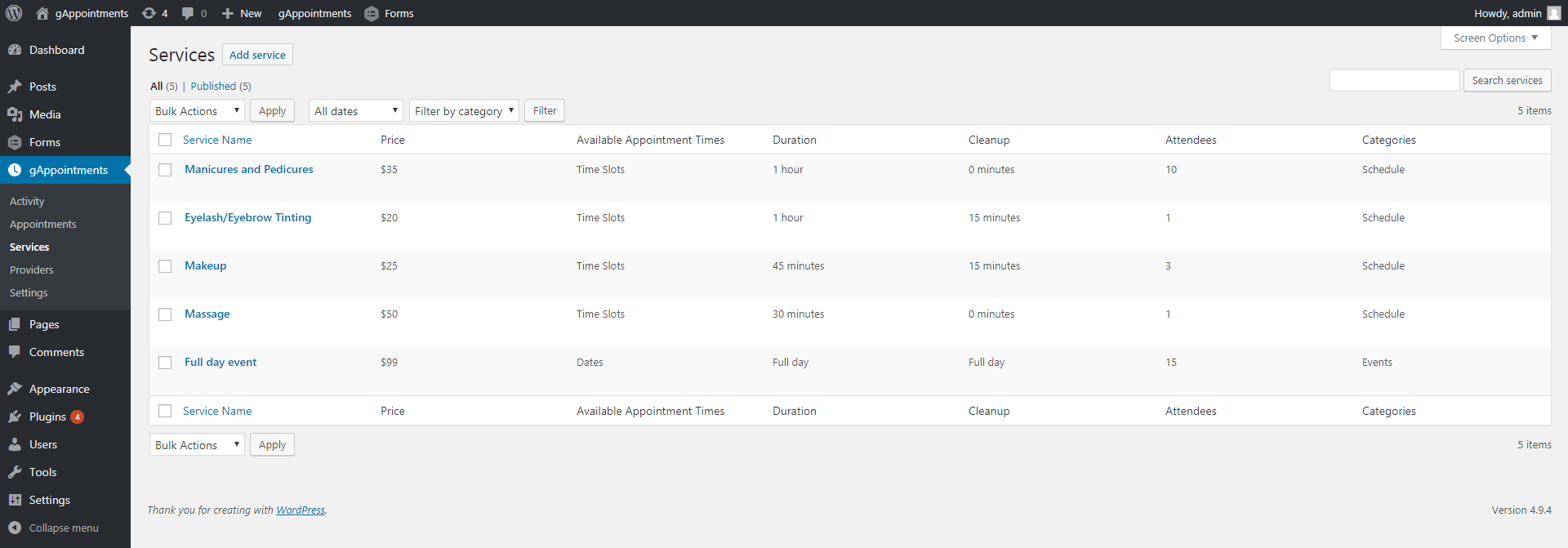
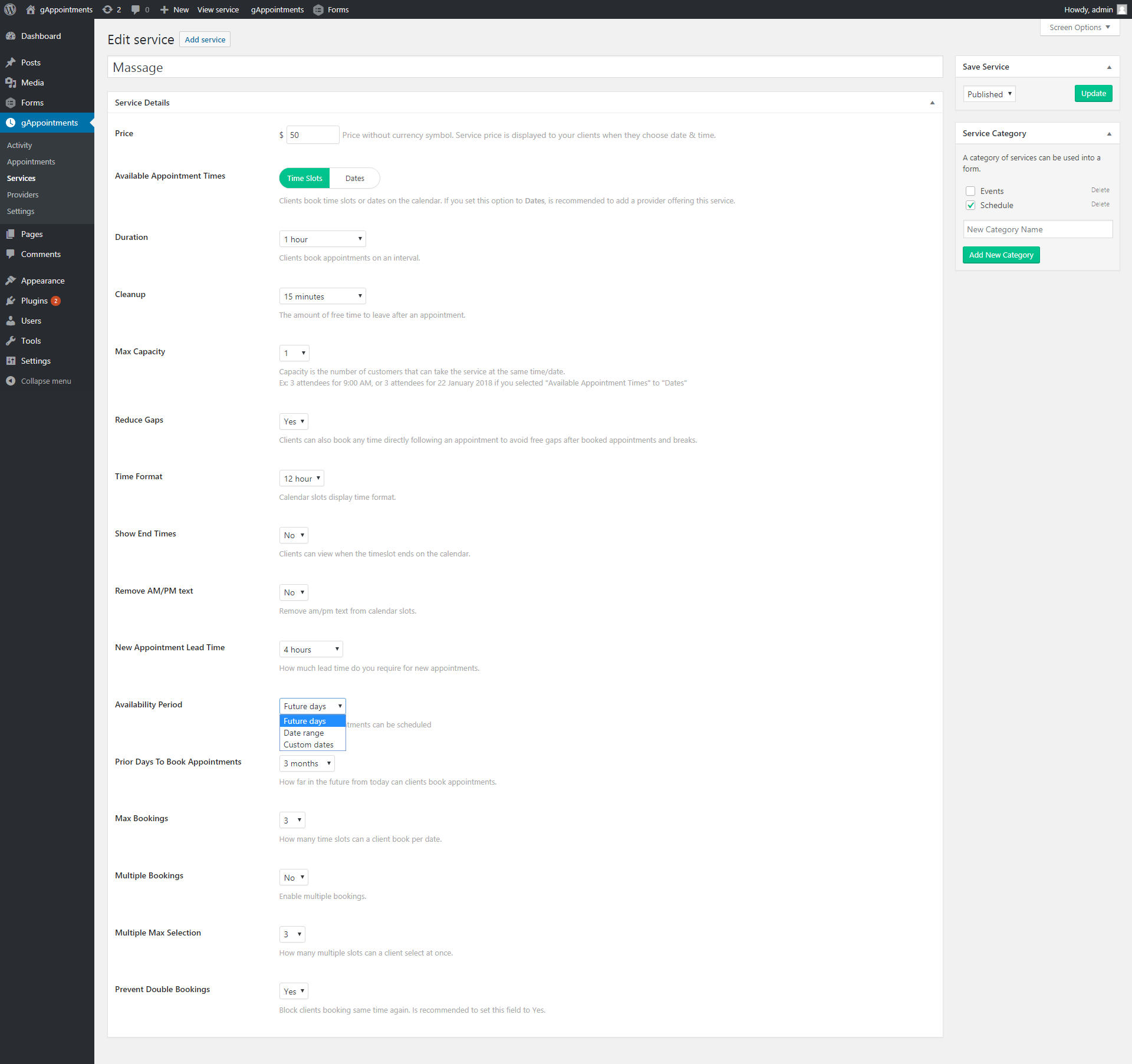
Customers pick from the services you offer — haircuts, consultations, classes, rentals — each with its own duration, price and availability rules.
2
Pick a provider
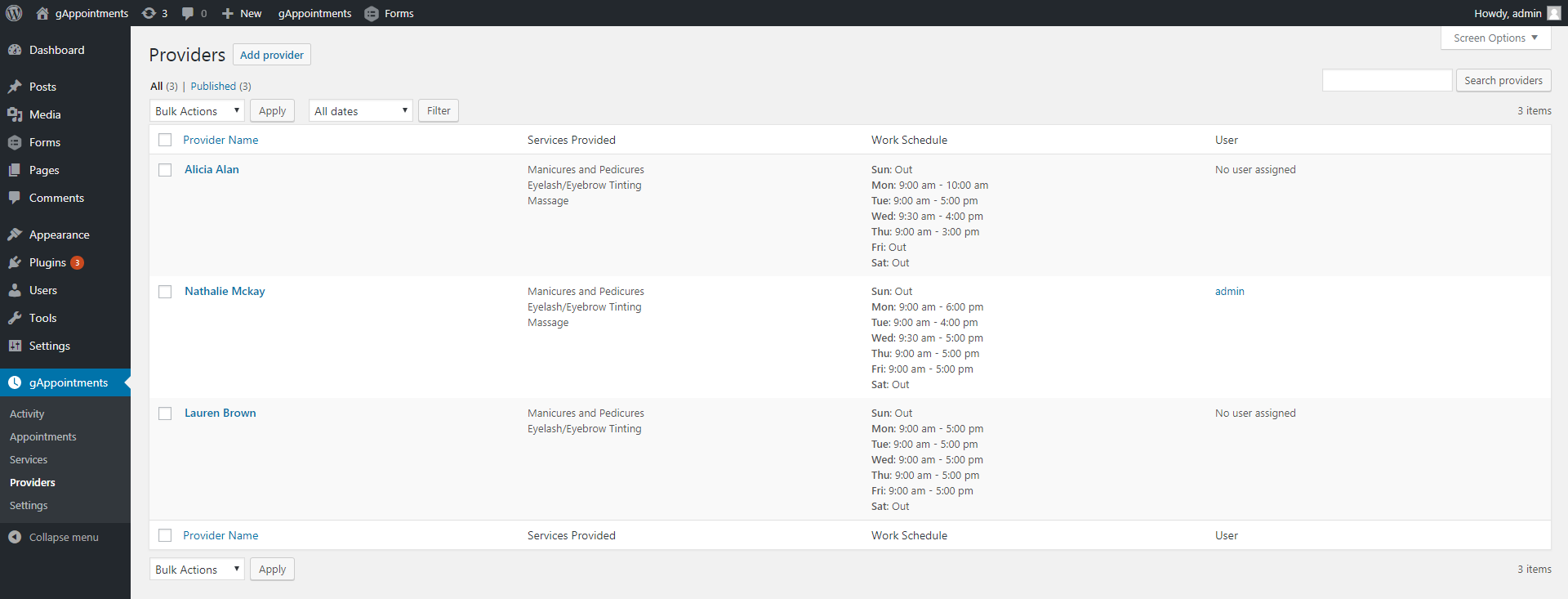
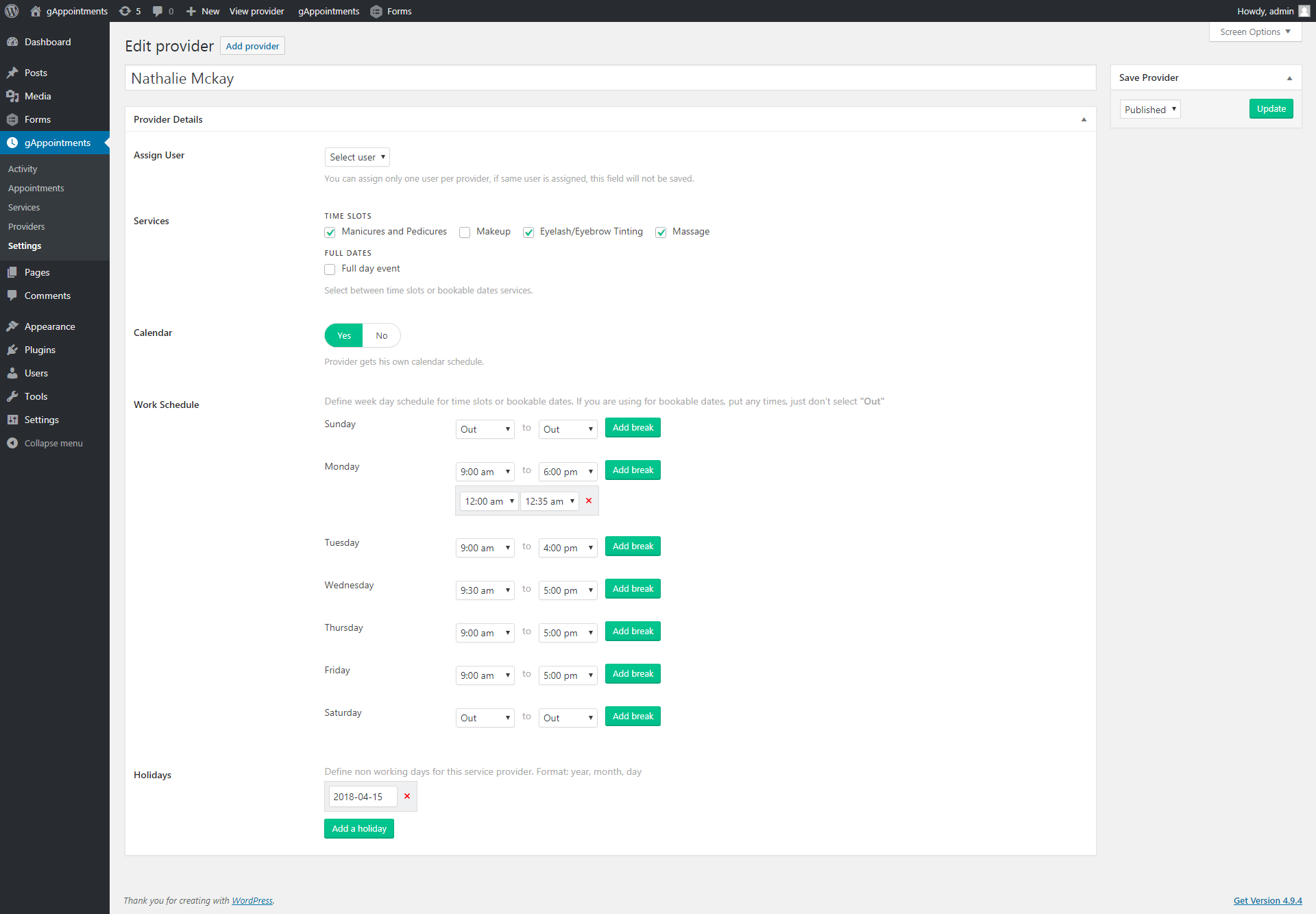
Assign staff, rooms or resources. Each provider has their own working hours, breaks and days off, so customers only ever see real, bookable slots.
3
Select date & time
A live calendar shows genuine availability in real time. Booked and blocked slots disappear automatically — no double-bookings, ever.
4
Confirm & get notified
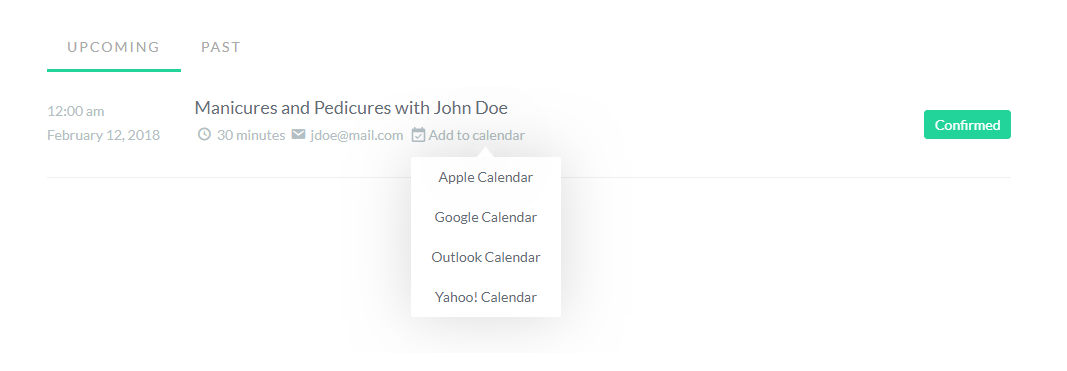
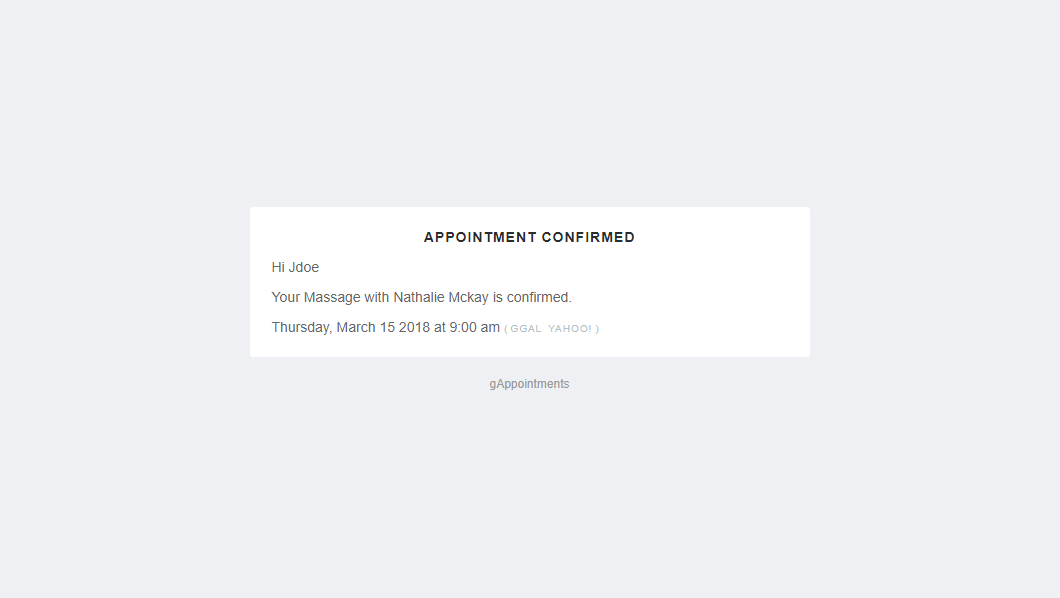
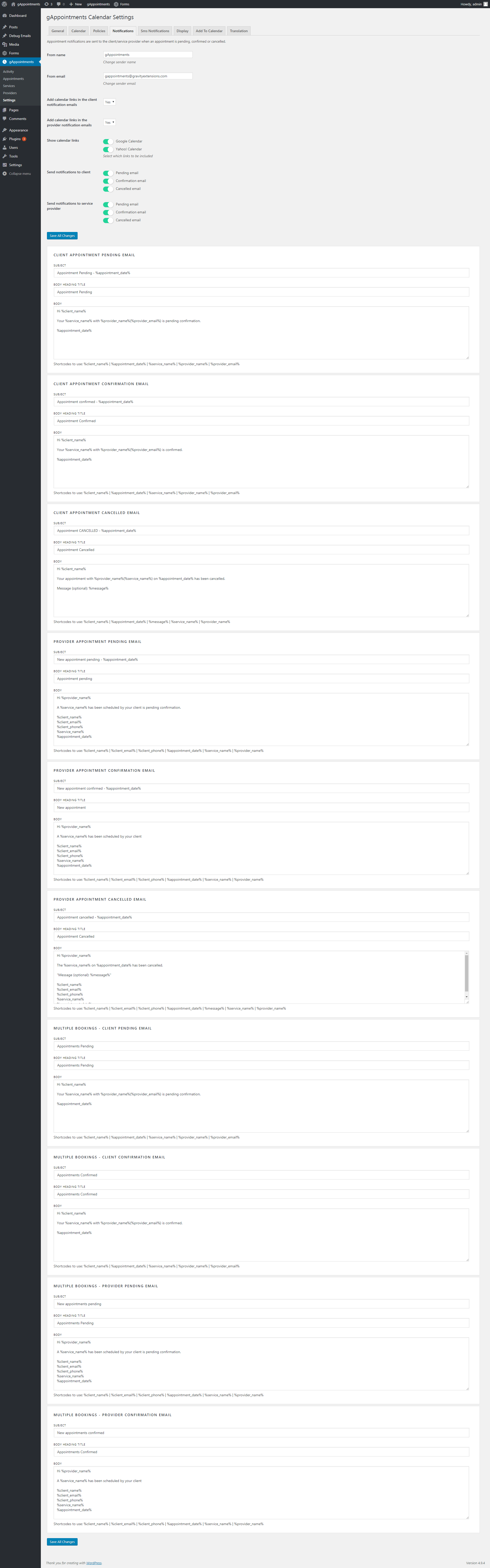
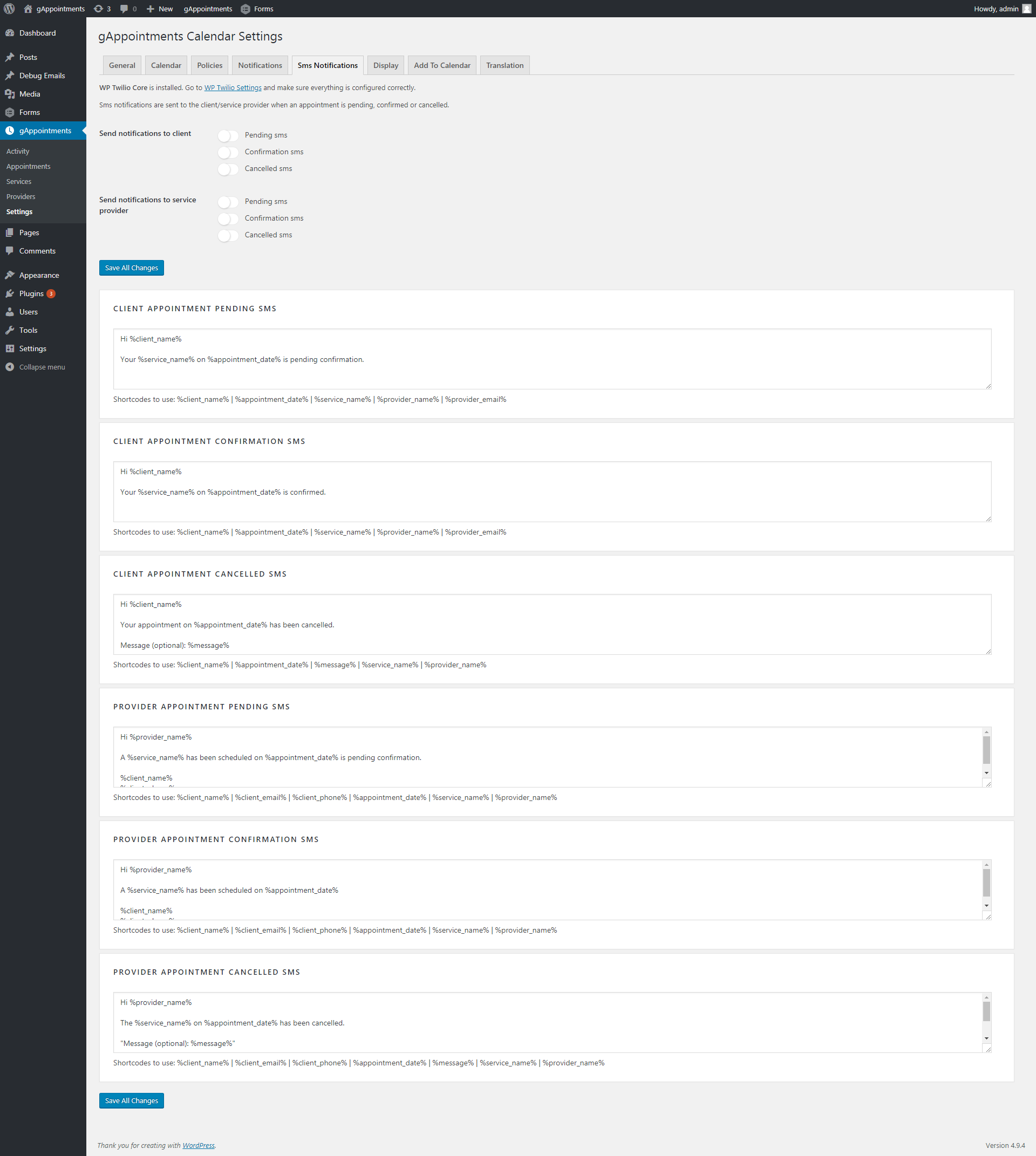
The booking submits through Gravity Forms. Customer and provider get instant email notifications, optional SMS, and an add-to-calendar link.
For Your Team
Manage everything from one dashboard
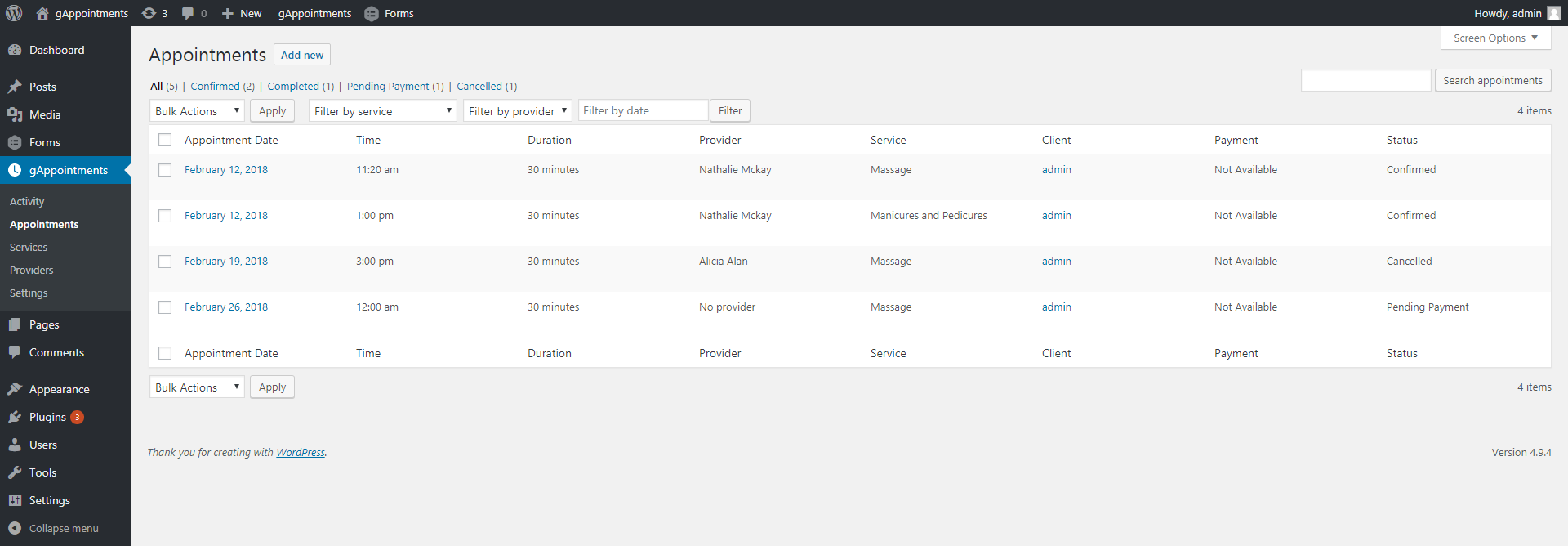
Each provider gets a front-end dashboard to confirm, cancel and review upcoming and past appointments — no wp-admin access required. Add Google Calendar two-way sync, SMS reminders, deposits and PayPal payments, and per-service booking policies to match how you actually work.
- Confirm, pending and cancel controls per booking
- Two-way Google Calendar sync
- Email & SMS notifications with templates
- Deposits, payments and booking costs
Screenshots
Every screen, front to back
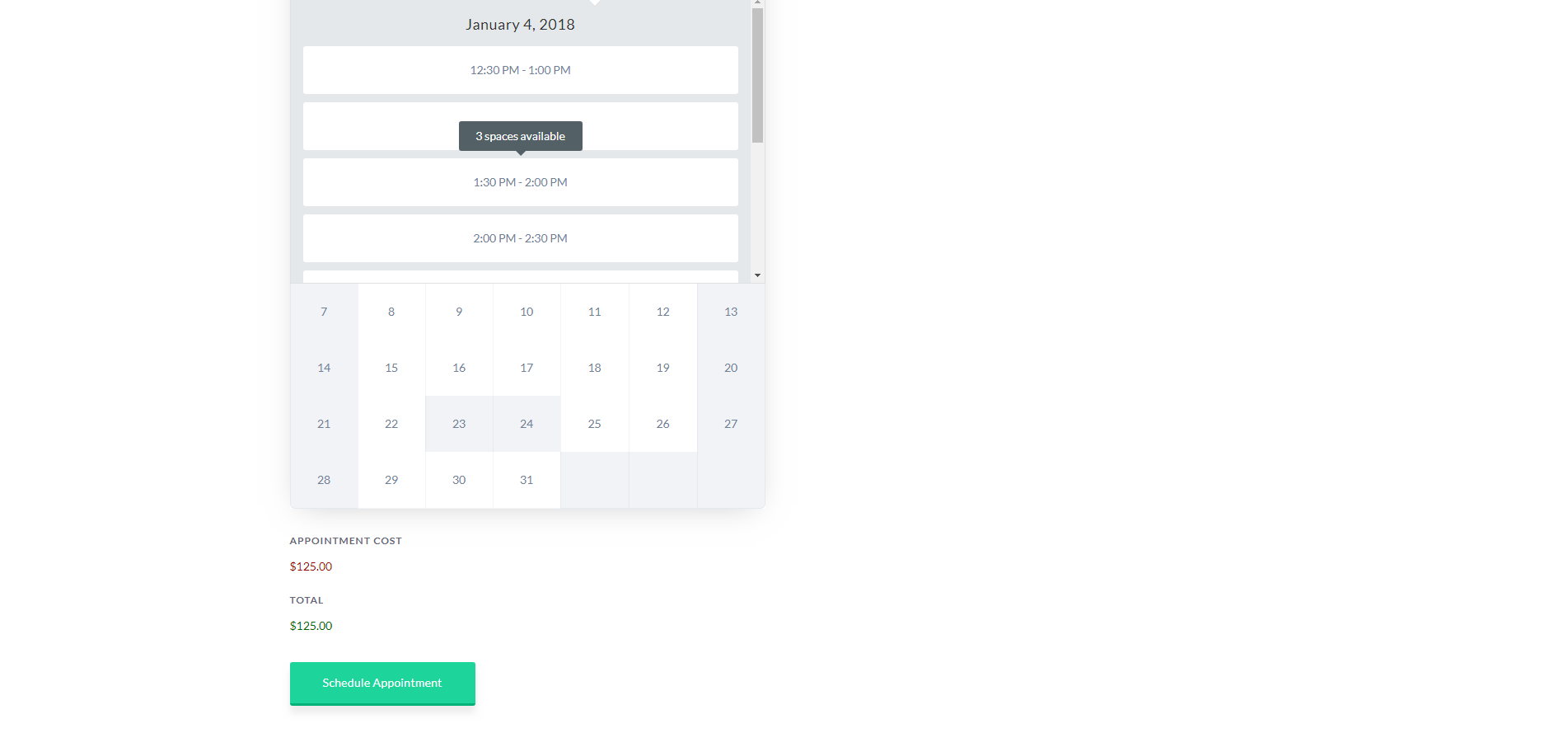
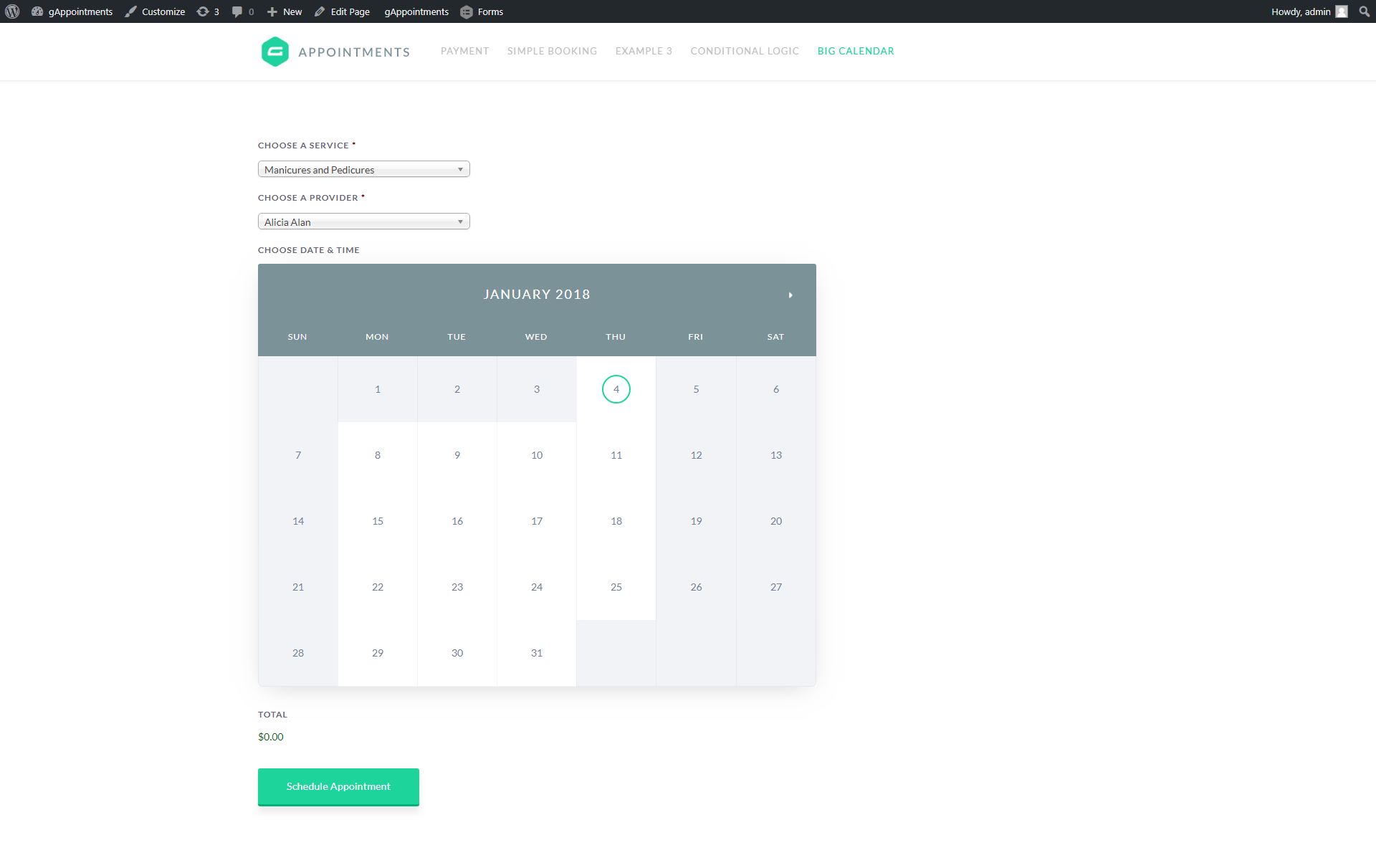
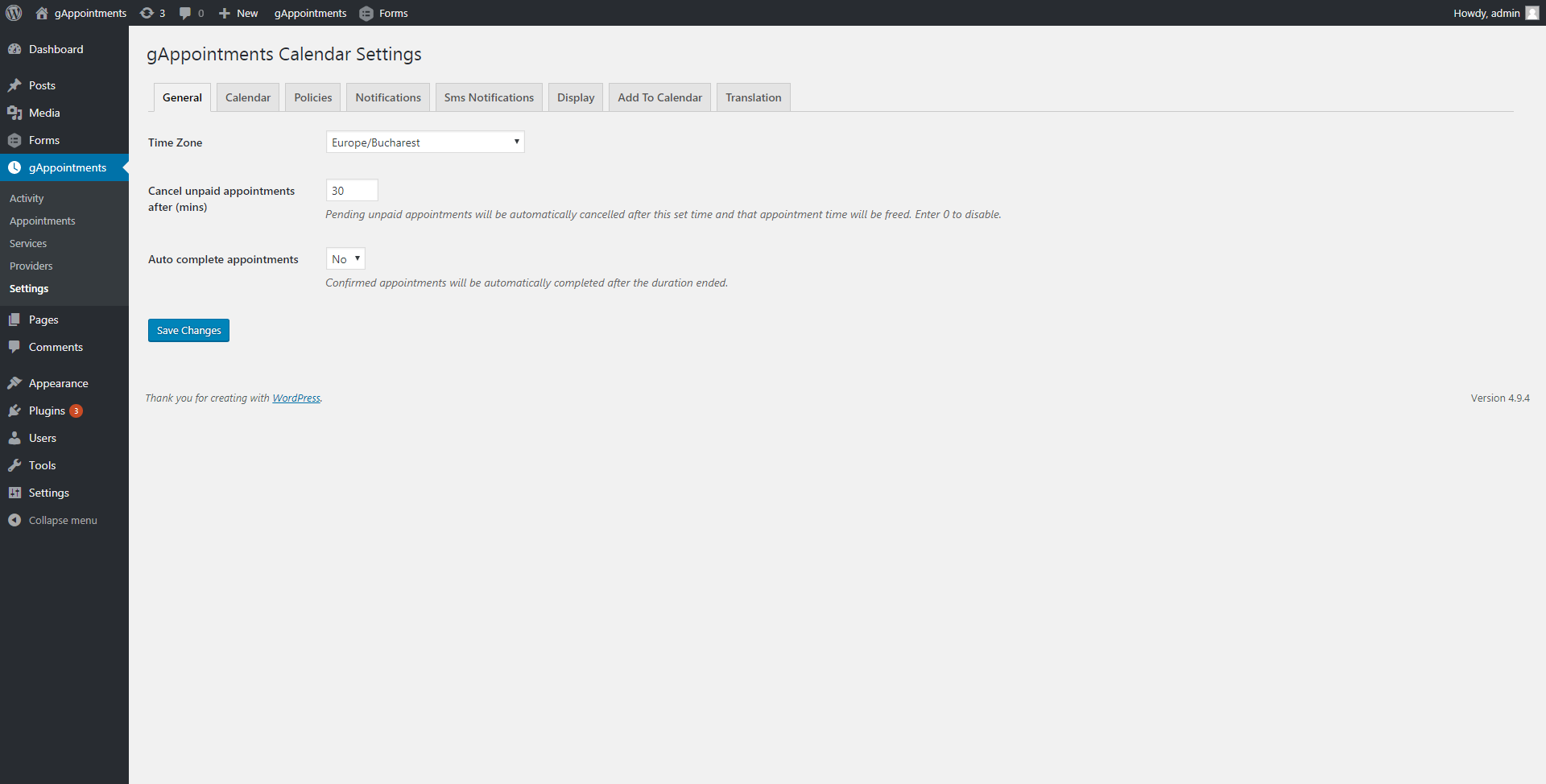
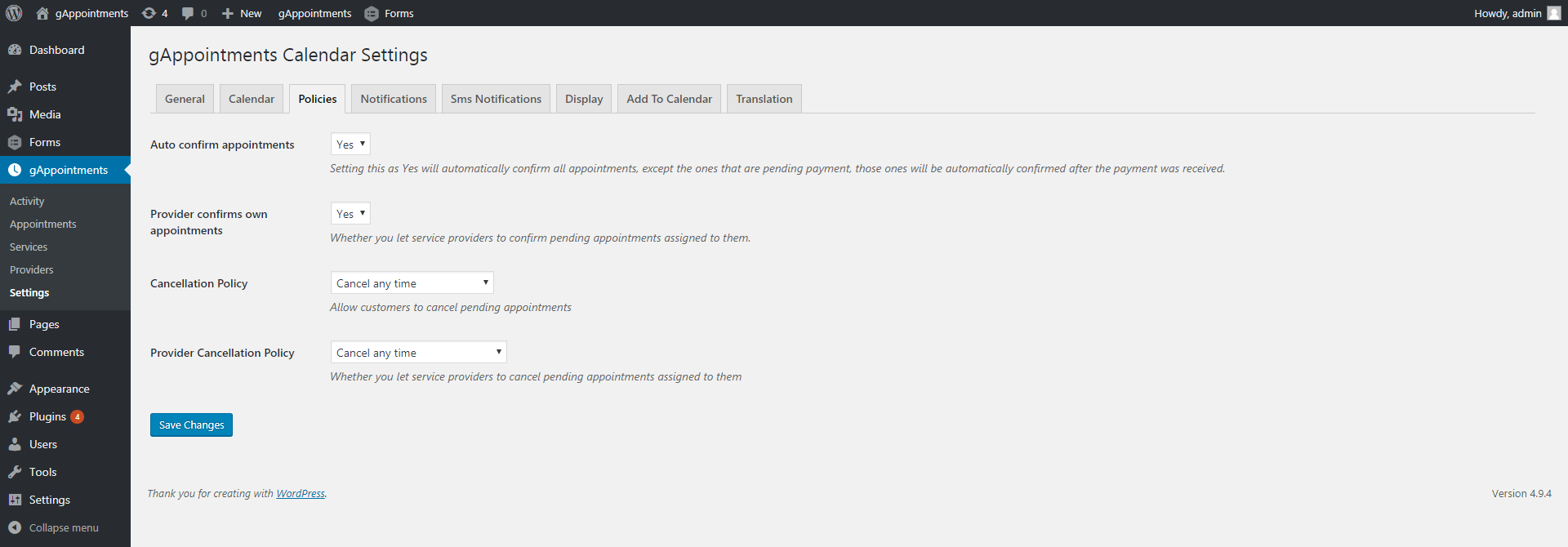
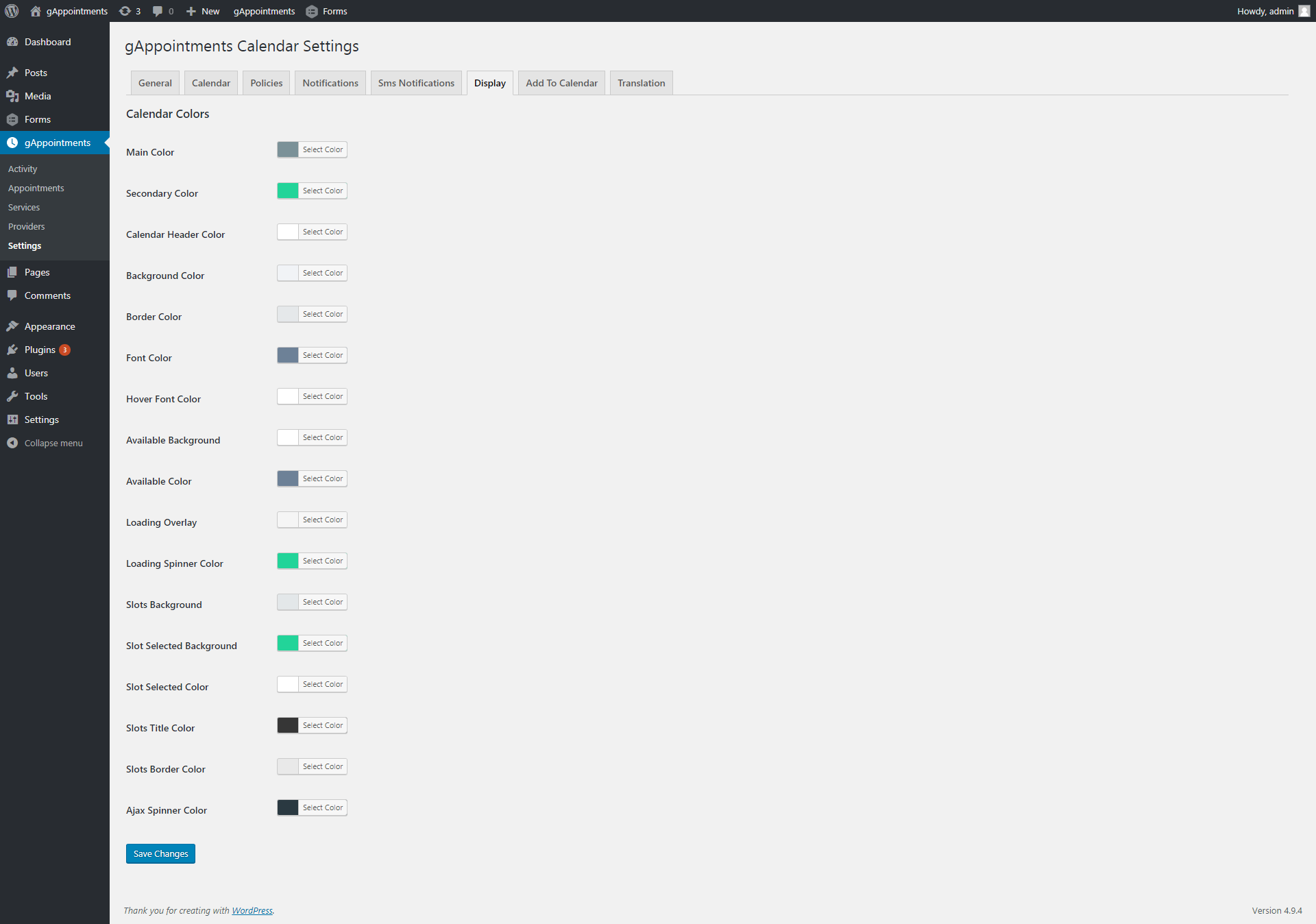
Booking forms, calendars, admin settings, notifications and payments. Click any image to view it full-size.





Work With A Developer
Need a hand with gAppointments?
Booking setups get specific fast — deposits, multi-provider schedules, custom Gravity Forms logic, Google Calendar sync. Whether you need a one-off build or someone to keep it running, work directly with a developer who knows this plugin inside out.
Custom support & setup
Stuck on configuration, custom booking rules, payment/deposit flows, or styling the calendar to match your brand? Get hands-on help building exactly what you need.
Get custom supportOngoing maintenance
Keep gAppointments and Gravity Forms updated, tested and secure. Ongoing maintenance means your booking system stays online and conflict-free while you focus on customers.
Set up maintenance